
Offline or cloud, and how to actually decide
Both editions cost Rs 25,000 to start, so price does not settle it. What does: where your data should live, and what each choice honestly costs you.
This is one of the first questions we get asked, and it is usually asked the wrong way round. Owners want to know which one is better. Neither is. They solve different problems, and the one that is right for your shop depends on things that have nothing to do with how modern either sounds.
Let us start with the fact that clears most of the confusion away.
Price does not decide it, and then it does
Both editions of Stock2Track cost ₹25,000 excluding GST. Same software, same modules, same features. So at the moment of buying, price tells you nothing.
Over three years it tells you something, and we would rather say it plainly than let you work it out afterwards:
| Offline | Cloud | |
|---|---|---|
| At the start | ₹25,000 one-time | ₹25,000 for the year |
| Year two | optional support, ₹1,000 | ₹25,000 |
| Year three | optional support, ₹1,000 | ₹25,000 |
| Three-year total | ₹27,000 | ₹75,000 |
That is a real difference and you should have it in front of you. What it does not mean is that Offline is the better deal, because the two are not doing the same job. It means that if Cloud is right for your shop, it needs to be right for a reason you can name — and the rest of this is about finding that reason, or ruling it out.
The question underneath
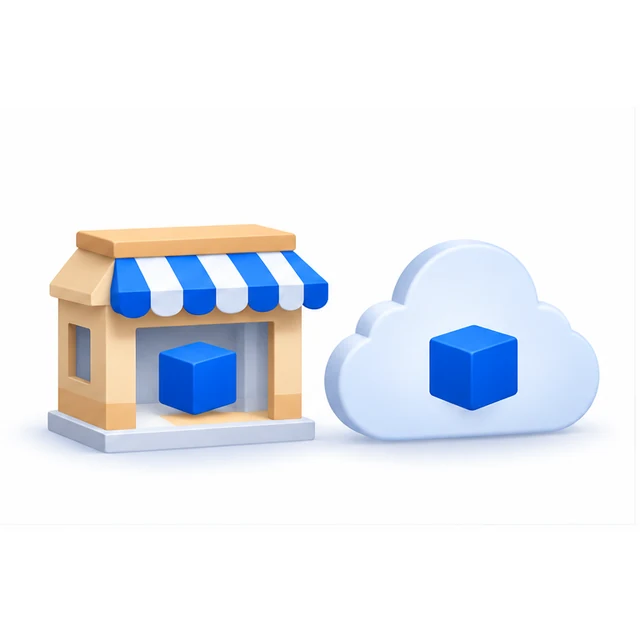
Strip away the vocabulary and there is one question: where should your data live?
On Offline, it lives on a computer in your shop. You own it, it is in the building, and nobody else holds a copy.
On Cloud, it lives on a server elsewhere and every branch and phone reads from the same place.
Everything else follows from that. Which is why the honest way to choose is not to compare feature lists, but to look at how your shop is actually laid out and how you actually work.
Offline suits you if
- You bill from one counter.
- You have several counters in the same premises, and they can be connected over a local network to one computer acting as the server.
- You have more than one branch but already run your own private network between the locations.
- You do not need to watch the business from your phone while you are away from it.
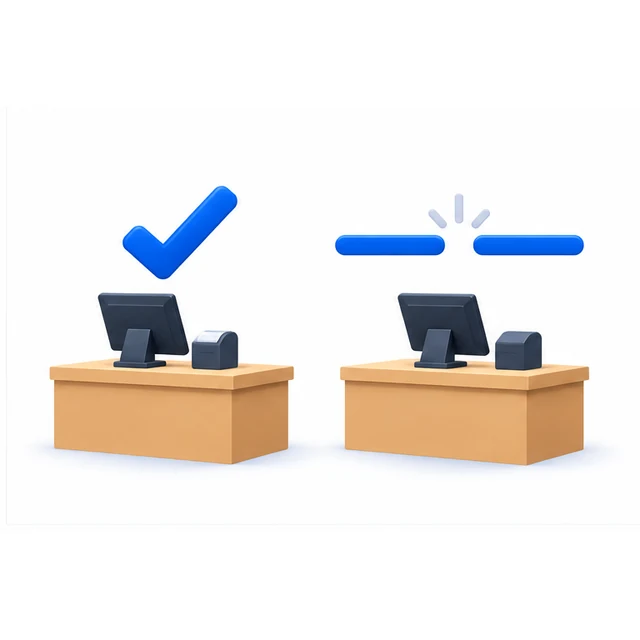
- You would rather billing carried on regardless of what the internet is doing.
That last point is not a small one. In a lot of Indian markets the line is fine most of the time and gone at exactly the wrong moment — a Saturday evening, a festival week. On Offline the counter does not know or care. There is no request going anywhere, so there is nothing to time out.
What Offline actually costs you
The backups are your job. This is the part that gets nodded at during the sale and matters enormously later. Stock2Track takes a daily backup onto that computer automatically, but a backup sitting on the same machine as the database is not a backup — it is a second copy of something that will fail at the same time.
So a real Offline setup means a copy going somewhere else: a second drive, a pen drive taken home, an online folder. Someone has to own that, and it has to still be happening in month eight, not just in week one.
We set this up with you at installation. What we cannot do is check every week that it is still running. The day a hard disk fails is the day you find out whether it was, and by then the answer is already fixed.
Cloud suits you if
- You would rather not carry the backup responsibility at all.
- You want to open the business on your phone and see what is happening, from anywhere.
- You have multiple counters or branches and want them working off one central set of records rather than several that have to be reconciled.
- You do not want to buy and look after a server-grade computer in the shop.
- You or your managers travel, and still want visibility of billing, stock and what the shop is doing today.
That last one is the reason most of our Cloud customers are on Cloud. Not the technology — the fact that the owner is not standing in the shop as much as he used to be, and wants to be able to look.
What Cloud actually costs you
It is ₹25,000 every year, not once. See the table above. For a business where the remote access genuinely changes how the owner works, that is money well spent. For a single-counter shop where nobody is ever going to look at it from outside, it is not.
It needs the line to be up. A reasonably reliable internet or mobile data connection is a genuine prerequisite, not a footnote. This has become much less of an obstacle than it was — cheap, fast mobile data changed what was practical for small shops in India, and a great many places that could not have run on Cloud a few years ago now can. But it still has to be true at your counter, on your worst day, not on average.
If your connection drops for an hour on a busy evening and that is unacceptable, that is an argument for Offline, and it is a good one.
The question that actually decides it

When an owner cannot choose, we ask this:
In the last month, how many times did you want to know what the shop was doing while you were not in it — and could not find out?
If the answer is never, you almost certainly want Offline, and you will save money.
If the answer is most weeks, that is Cloud telling you what it is for. The remote access is not a feature in that case; it is the whole purchase, and the annual cost is buying you something you will actually use.
Everything else — counters, branches, server hardware — usually points the same way once you have answered that honestly.
You are not deciding forever
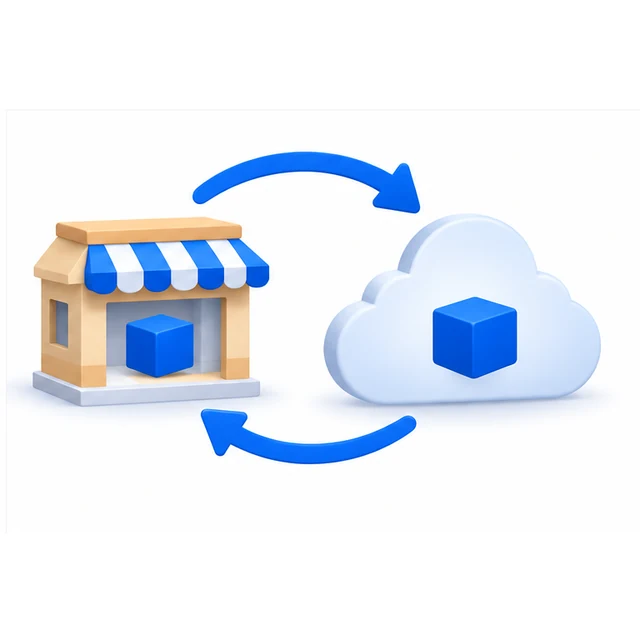
This is the part that should take most of the pressure out of the decision. You can convert in either direction, at any stage — Offline to Cloud, and Cloud back to Offline.
Moving up is the common one. A second branch opens, and keeping two sets of records in step stops being worth the effort.
But it goes the other way too, and we will do it without making it difficult. A business consolidates two branches back into one. An owner decides, honestly, that the remote access was not worth the annual cost after all, because he is in the shop every day anyway. Both are ordinary things for a business to do, and neither should mean starting again or being told it cannot be undone.
Your data comes with you either way: items, parties, stock, transaction history. So what you are choosing now is what suits the next year or two, not something you are stuck with.
Still not sure
That is a reasonable place to be, and it is where most owners are at this stage.
Before recommending either, we would rather understand how your counters, branches, staff and owners actually work — where people stand, who needs to see what, and what your connection is really like at six in the evening. Ten minutes of that is worth more than any comparison table, including the one above.
We are not going to tell you to move to the cloud because it is the cloud. A good number of our customers are on Offline, deliberately, and are better off for it.